
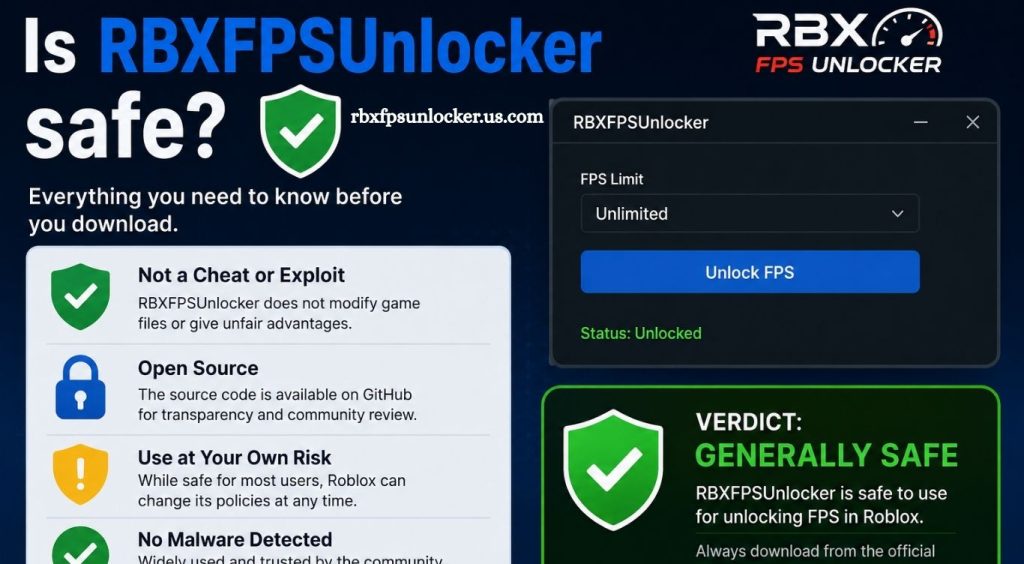
RBXFPSUnlocker has become a popular utility among Roblox players who want smoother gameplay and higher frame rates. The tool was created to remove Roblox’s traditional frame-rate limitation, allowing compatible systems to display more frames when the hardware can handle them.
Understanding how an FPS unlocker interacts with Roblox, why antivirus software may flag it, and where the program comes from can help users make a more informed decision before running it on a Windows PC. Security depends heavily on downloading the correct version from a trustworthy source rather than using modified copies from unknown websites.
What Is RBXFPSUnlocker?
RBXFPSUnlocker, also known as Roblox FPS Unlocker or RFU, is a Windows utility designed to remove or modify Roblox’s frame-rate cap. It does not function as an FPS booster. Instead, it allows Roblox to render beyond a capped frame rate when the computer and display can support higher performance.
Read More: Does RBXFPSUnlocker work on Windows?
The original project is publicly available on GitHub, with its source code available for inspection. The repository is released under the MIT License, giving users an additional way to examine how the software works.
Is RBXFPSUnlocker Safe?
RBXFPSUnlocker can generally be considered a low-risk utility when obtained from the legitimate project repository and used as intended. However, calling any executable completely risk-free would be inaccurate.
The official project explains that antivirus programs can detect RFU because the software interacts with running Roblox processes. Security software may interpret this behavior as suspicious even when the program itself is legitimate.
The biggest security concern is therefore often the source of the download. Unofficial websites can distribute modified versions containing unwanted software, malware, or other potentially harmful components.
Why Does Antivirus Detect RBXFPSUnlocker?
Antivirus detection is one of the most common concerns surrounding Roblox FPS Unlocker.
The project documentation explains that RFU can appear suspicious because some unlocking methods interact with Roblox’s running process. Earlier versions also used techniques that could trigger security software.
A detection does not automatically prove that a file contains malware. At the same time, users should never assume every antivirus warning is a false positive.
A safer approach involves checking the exact file, verifying its source, scanning it with reputable security software, and avoiding unnecessary security exceptions.
Download Source Matters
Downloading RBXFPSUnlocker from an unofficial website creates additional security risks. Search results can contain repackaged applications, outdated builds, advertisements disguised as download buttons, or modified executables.
The project’s GitHub repository directs users toward its releases for obtaining the software.
Users should avoid downloading an executable simply because a random website claims it is the “latest” RBXFPSUnlocker version.
Does RBXFPSUnlocker Contain Malware?
There is no good basis for claiming that the legitimate open-source RBXFPSUnlocker project is malware. Its source code is publicly available, and the project documentation directly addresses antivirus detections.
However, this distinction is important: legitimate RBXFPSUnlocker and an unofficial copy are not necessarily the same file.
A modified copy can contain additional code that does not exist in the original project. Users should therefore verify the download source before running the executable.
Can RBXFPSUnlocker Get Your Roblox Account Banned?
Ban concerns have existed for years because FPS unlocking software interacts with Roblox in ways that can sometimes resemble modifications used by other tools.
The project’s documentation records historical concerns about Roblox detecting the software. Later versions changed the unlocking approach, and the project states that version 4.0 no longer relied on DLL injection.
Modern Roblox versions have also changed significantly, so historical statements should not be treated as a permanent guarantee. Users should always consider Roblox’s current policies and the behavior of the particular RFU version being used.
Does RBXFPSUnlocker Improve Performance?
RBXFPSUnlocker does not make a weak computer more powerful.
The project’s FAQ clearly describes RFU as an FPS unlocker rather than an FPS booster. Removing a frame-rate limit only helps when the computer is already capable of producing more frames.
For example, if a PC naturally produces around 45 FPS, removing a 60 FPS limit will not magically increase performance to 120 FPS.
A capable GPU, CPU, sufficient memory, and a high-refresh-rate monitor are needed to benefit from higher frame rates.
Is RBXFPSUnlocker Still Necessary?
For many Roblox players, an FPS unlocker may no longer be necessary because Roblox introduced a Maximum Frame Rate setting in its own game client. The original RFU project notes this development and explains that the tool may still be useful for certain engine tweaks and Roblox Studio scenarios.
This makes the decision easier for users who only want to increase the standard Roblox frame-rate setting. Checking Roblox’s built-in settings first can eliminate the need for third-party software.
How to Use RBXFPSUnlocker More Safely
Users who decide to use RFU should prioritize the official project source, keep Windows security protections enabled, and scan downloaded files before execution.
Avoid disabling antivirus protection simply to make an application run. If security software blocks a file, investigate the detection and verify that the executable genuinely comes from the legitimate project.
Advanced users can also inspect the publicly available source code and compile the project themselves. The project’s documentation specifically mentions source compilation as an option for users who do not trust a precompiled executable.
What Are the Main Risks?
The main risks are not limited to malware. Running outdated software can create compatibility problems when Roblox changes its client. Certain unlocking methods can also cause crashes or instability.
The project’s release notes warn that the memory-write method can be unstable with Roblox’s Hyperion-protected client and may produce errors or crashes.
There is also a risk associated with downloading unofficial versions. A legitimate open-source project can still be impersonated by malicious copies distributed elsewhere.
Conclusion
RBXFPSUnlocker can be a useful tool for Roblox players seeking higher frame rates, especially when using capable hardware and high-refresh-rate displays. The main safety factor is downloading the software from a trusted, legitimate source rather than an unknown website. Antivirus warnings may occur because the utility interacts with Roblox processes, but users should still investigate every security alert carefully.
Pingback: What FPS can I get with RBXFPSUnlocker? - rbxfpsunlocker